Windows-11 for the web!!! (not really)
A downloadable project for Windows, macOS, and Linux
Windows 11 For The Web
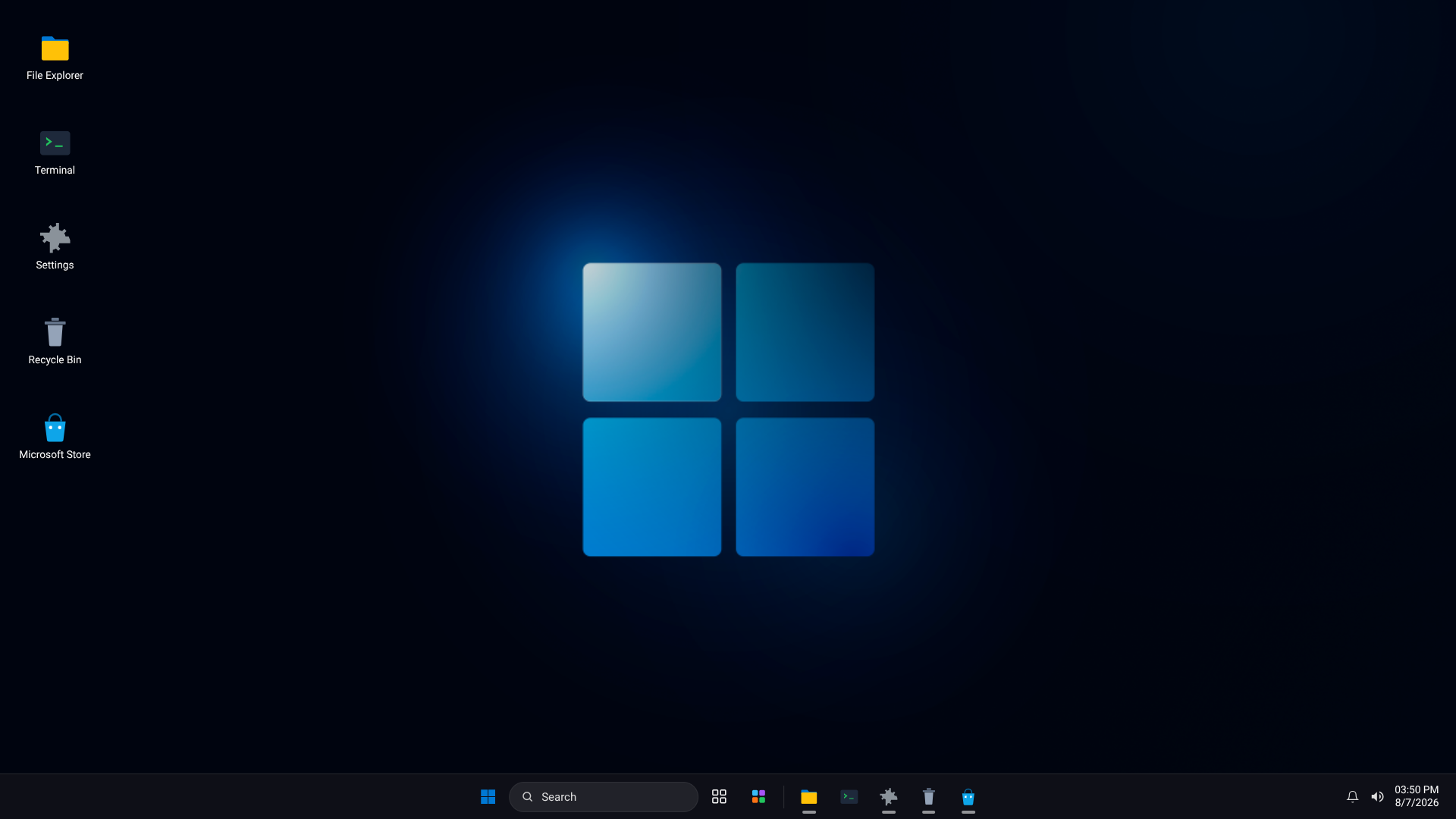
is a self-contained, single-file HTML web application titled "Windows 11 Web Edition". It simulates a fully interactive Windows 11 desktop environment complete with window management, virtual applications, games, and system utilities.
Key Features & Included Applications
1. Desktop & System UI
- Taskbar & Start Menu: Features a Windows 11 centered taskbar with Start menu search, pinned apps, recommended items, and user profile controls.
- Quick Settings & System Tray: Includes a clock, quick toggles (e.g., volume, theme settings), and action center notifications.
- Window Management: Windows feature Fluent design styles, minimize/maximize/close actions, standard window dragging, focus management, and snap-like behavior.
2. Productivity & System Tools
- Microsoft Edge: Web browser emulator with a Bing landing page, iframe web viewer, direct link opener, and an integrated Copilot AI (Doesnt work yet, sorry!) sidebar chat interface.
- File Explorer: Directory navigator supporting virtual folders like Desktop, Documents, Downloads, and Pictures.
- Command Prompt (Terminal): Interactive command-line interface simulator.
- Settings App: Configurable settings for wallpapers, accent color themes, taskbar customization, audio, and installed apps.
- Task Manager: Monitors virtual running app processes and system resources with the ability to terminate tasks.
- Notepad & Calculator: Basic text editing and standard mathematical operations.
- Paint: Canvas drawing utility complete with color swatches, adjustable brush sizes, clear canvas, and PNG export functionality.
- Mail, Calendar & Weather: Interfaces for viewing mock email messages, checking dates on a calendar grid, and viewing weather forecasts.
3. Media & Games
- Lofi Chill Radio: Music player featuring live streaming audio stations, vinyl spin animation, volume controls, and an equalizer visualizer.
- Built-in Games:
- Retro Snake: Canvas-based arcade game.
- 2048: Classic tile-sliding puzzle game.
- Minecraft: Playable web-embedded port (Eaglercraft 1.12.2).
- KBH Games Arcade: Web portal integration for browsing and playing online games.
Technical Summary
- Language & Architecture: Built using pure HTML5, CSS3 (flexbox/grid layouts, animations, and backdrop filters), and Vanilla JavaScript.
- Audio: Utilizes JavaScript Web Audio API synthesizers to produce interactive sound effects for clicks, and window interactions.
- Cannot run EXE Files.
- Custom BGs are PNG only.
- V-74: Added a Bunch more apps, like, weather, character map, Sticky notes, calendar, and a bunch more!
- V-75: Added new game: Minecraft (Eaglercraft 1.12.2 port)
- V-76: Bug fixes.
- V-77: Bug fixes.
- V-78: Bug fixes.
- V-79: Bug fixes.
- V-80: Bug fixes.
- V-81: Bug fixes.
- V-82: Bug fixes.
- V-83: Bug fixes.
- V-84: Added More apps like: Volume mixer, screenshot tool, Solitaire, Camera, Music player, and Maps!
- V-85: Added new game: Sky Fighter
- V-86: Added new game: Project: Overdrive
- V-87: Added System Settings to Project: Overdrive
- V-88: Added New stuff in Project: Overdrive
- V-89: Added new game: Outland Survival
Credits to tegygh for making Project: Overdrive
Made By Gemini, Refined By Claude.
Download
Install instructions
Just download the HTML, and you're good to go!
Development log